How to Use Canva to Create a Seasonal Brochure
How to Use Canva to Create a Seasonal Brochure
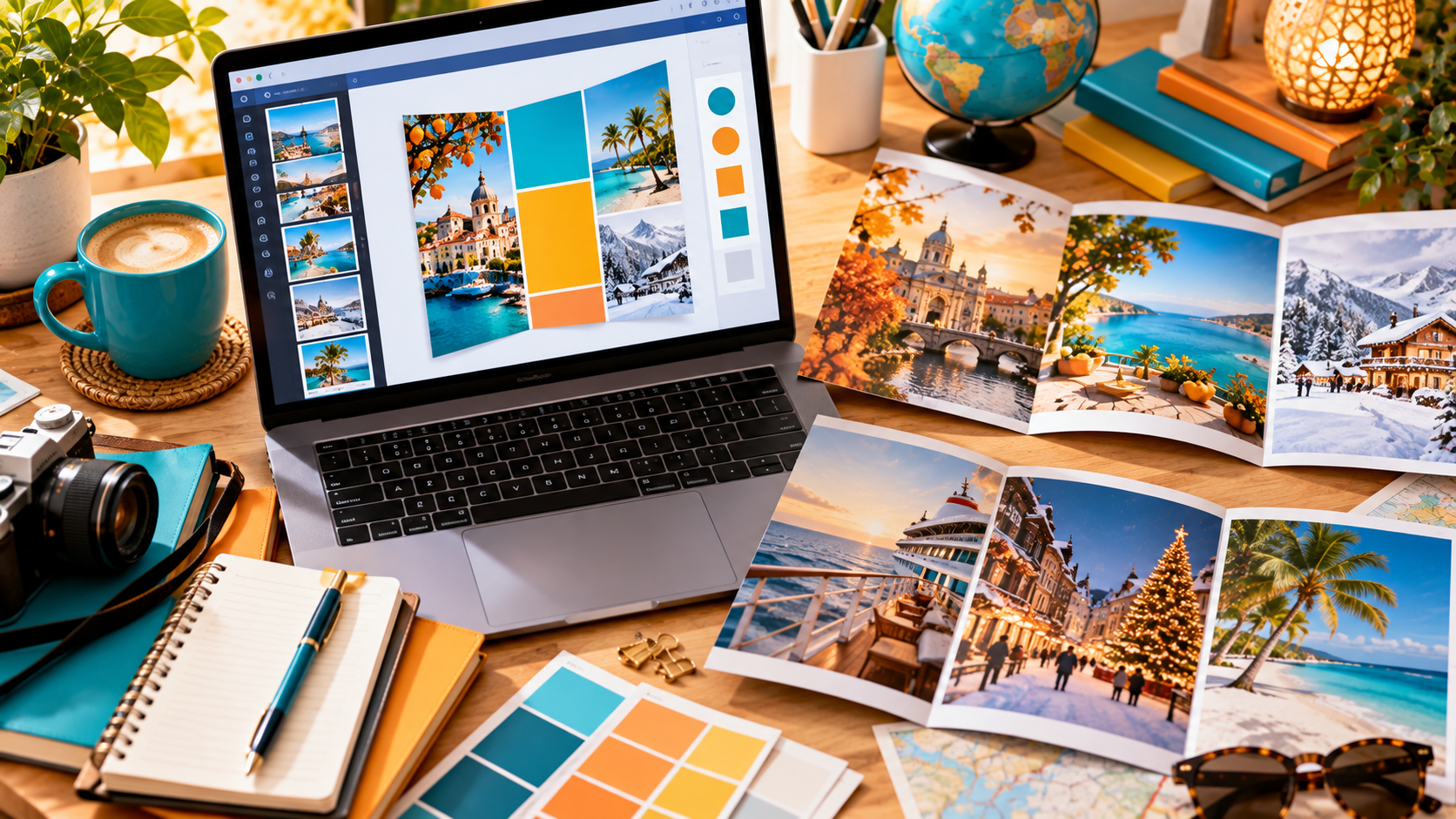
A seasonal brochure can do something a single social post cannot. It can bring several carefully chosen travel ideas together, tell a coherent story and give potential clients something they can save, share or return to when they are ready to enquire.
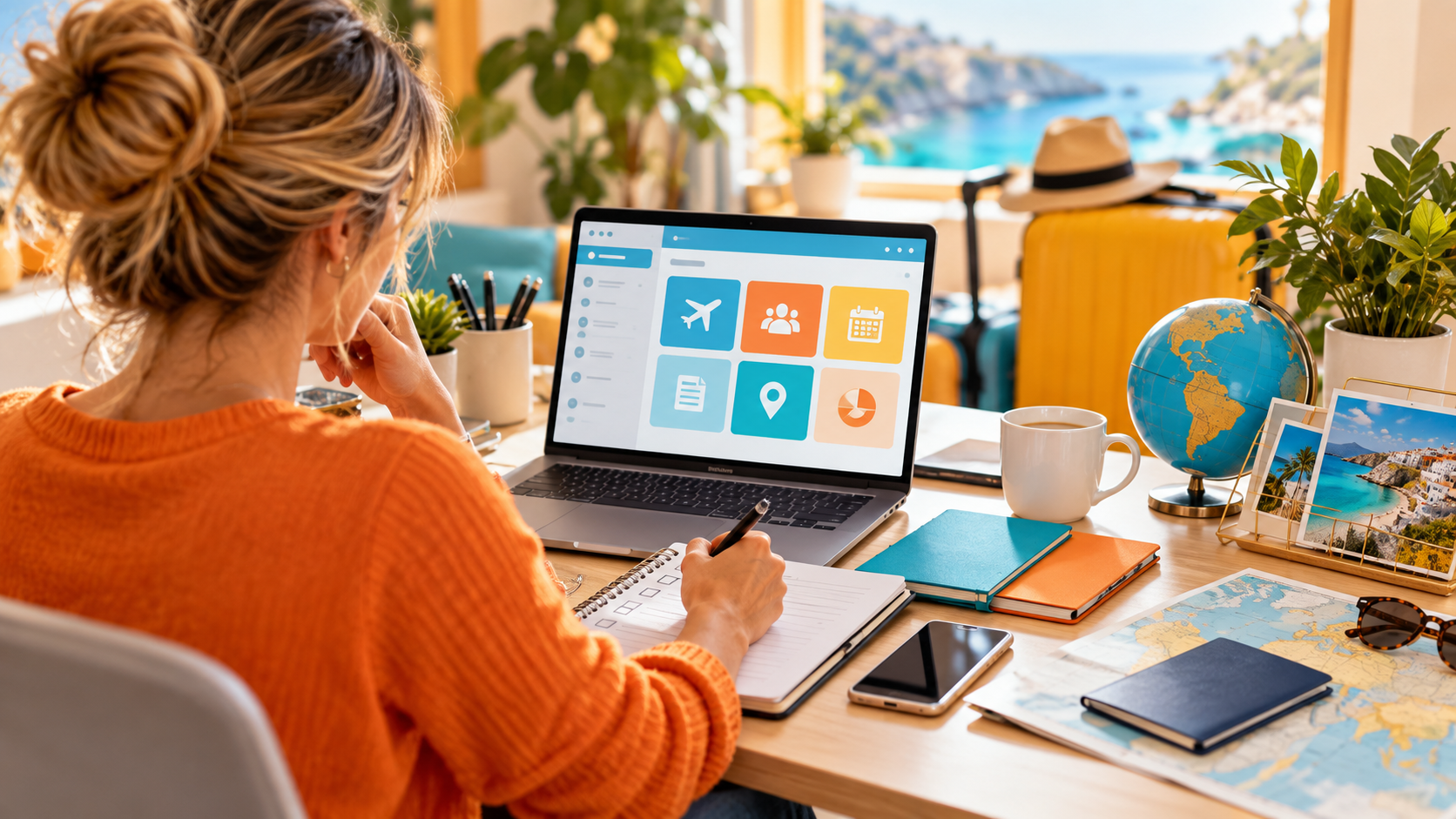
For a travel homeworker, Canva makes that much easier. You do not need to be a graphic designer, and you do not need to build every page from scratch. A good canva brochure travel design workflow is really about making sensible marketing decisions before you start dragging images around a page.
The strongest brochure is not the one with the most destinations or the fanciest template. It is the one that has a clear audience, a clear seasonal purpose and a clear next step for the reader.
If you are still getting comfortable with Canva itself, start with our broader guide to using Canva to market your travel business. This article focuses specifically on turning that tool into a seasonal brochure that can support enquiries and bookings.
Start with the campaign, not the template
Canva has hundreds of travel brochure templates, which is useful but also dangerous. It is easy to choose something attractive and then try to force your marketing into it.
Do the thinking first.
Decide what the brochure is for:
- autumn city breaks;
- winter sun;
- Christmas markets;
- cruise offers;
- family holidays for the following summer;
- luxury escapes;
- solo travel;
- honeymoons;
- or a broader seasonal collection such as "Your Winter Escape Guide".
Then decide who you want to read it.
A brochure aimed at families should feel different from one for luxury couples. A solo-travel brochure should not simply reuse romantic imagery with one person removed. A cruise brochure may need more explanation about itineraries and cabin types than a short-break brochure.
This is where your wider campaign planning matters. Our guide to planning seasonal travel campaigns explains how to connect seasonal themes with the right audience rather than publishing random offers because a calendar date is approaching.
Choose the right brochure format
Before designing, decide how people will actually receive the brochure.
A tri-fold brochure
This can work well for a local event, leaflet rack, wedding fair or something you want to print and hand out. The format forces you to keep the message concise and gives you six panels to guide the reader from attention to action.
A multi-page digital brochure
This is usually more flexible for travel marketing. You can create a cover, introduction, several themed pages and a final contact page, then export the finished design as a PDF.
That can be useful for email, WhatsApp, your website, local Facebook groups or following up a client who has already shown interest in a particular type of holiday.
A short booklet for an event
If you are attending a wedding fair, cruise evening or local travel event, a small printed booklet can help people remember you after they leave. Keep it focused on the audience at that event rather than turning it into a catalogue of everything you can sell.
Canva provides travel brochure templates in several styles, including tri-fold formats and multi-page layouts. Use the template as a starting structure rather than allowing it to dictate the content.
Build a simple seasonal story
A seasonal brochure should feel like one piece of marketing, not a stack of unrelated supplier offers.
A useful structure might be:
- Cover: one strong seasonal promise.
- Opening page: explain what makes this season worth travelling in.
- Theme one: perhaps warm-weather escapes.
- Theme two: city and cultural breaks.
- Theme three: something more specialist such as cruise, touring or wellness.
- Planning tips: practical advice relevant to the season.
- Why book with you: what your service adds.
- Final page: a clear invitation to enquire.
You do not need every section in every brochure. The important thing is that the reader understands where they are going next.
For example, an autumn brochure might move from warm September city breaks to October cultural escapes and then into early winter sun. A winter brochure might lead with sunshine, then offer festive breaks and finally longer-haul ideas for clients wanting something bigger.
Set your brand before you start designing pages
One of Canva's biggest advantages is consistency.
Set up the colours, logo and fonts you actually use before building the brochure. If your Canva plan includes Brand Kit features, these can make repeated designs much faster. If not, you can still save the correct colour codes and duplicate a branded master page.
Keep the visual system simple:
- one or two headline fonts;
- one readable body font;
- a limited brand colour palette;
- consistent spacing;
- consistent photo treatment;
- and repeated page structures where appropriate.
The brochure should look like it came from your travel business, not like a collection of Canva templates.
Your existing article on designing holiday promotions in Canva goes further into using brand colours, reusable templates and visual consistency across individual offer graphics.
Choose one purpose for the cover
The cover does not need to explain the whole brochure. Its job is to make somebody want to open or scroll into it.
A weak cover might say:
"Autumn Holiday Offers 2026"
A stronger cover might say:
"Your Autumn Escape Guide"
or:
"Where Will You Go When Summer Ends?"
The second approach gives you room to include different travel products without making the brochure feel like a price list.
Use one strong image rather than several small ones. Make the season obvious through the mood of the photograph, but do not rely on clichés if they do not match the product. An autumn winter-sun brochure does not need every page covered in orange leaves.
Use supplier content without becoming the supplier's brochure
Tour operators, tourist boards, cruise lines and hotel groups can provide excellent photography and product information. Use it where you have permission, but add your own value.
Do not simply paste supplier copy onto the page.
Explain who the product might suit. Highlight a practical detail your clients would care about. Compare the experience with another option. Use your own tone of voice.
For example, instead of reproducing:
"Four-star beachfront resort with three restaurants and two pools."
You might write:
"A good option for couples who want an easy beach stay but still like having several places to eat without leaving the hotel every evening."
The factual product information still needs to remain accurate, but the brochure should sound like your recommendation.
Our guide to repackaging supplier content to match your travel brand covers this in more detail.
Make every page answer a client question
A brochure becomes more useful when each page has a reason to exist.
Instead of giving every destination the same structure, think about what the reader needs to know.
A winter-sun page could answer:
- where is still warm enough for a beach holiday;
- how far the flight is;
- whether the destination works better for couples or families;
- and whether the experience is mostly resort-based or good for exploring.
A Christmas-market page could explain:
- which cities suit a first-time visitor;
- how many nights work well;
- when the markets usually operate;
- and why hotel location matters when evenings are cold and dark.
The brochure then becomes useful even before somebody is ready to book.
Do not overcrowd the design
Canva makes it very easy to keep adding things. More icons, more photos, more text boxes, more badges, more prices.
Resist the temptation.
A travel brochure needs visual breathing room. If the reader cannot work out where to look first, the design is doing too much.
A useful rule is to give each page one dominant message and one obvious visual focal point.
Use hierarchy:
- large headline;
- short supporting text;
- one or two strong images;
- small practical details;
- and a clear next step.
If you have five paragraphs of essential explanation, the page probably needs to become two pages.
Use images that actually sell the experience
Travel brochures live or die on photography, but beautiful is not enough.
The image should support the promise on the page.
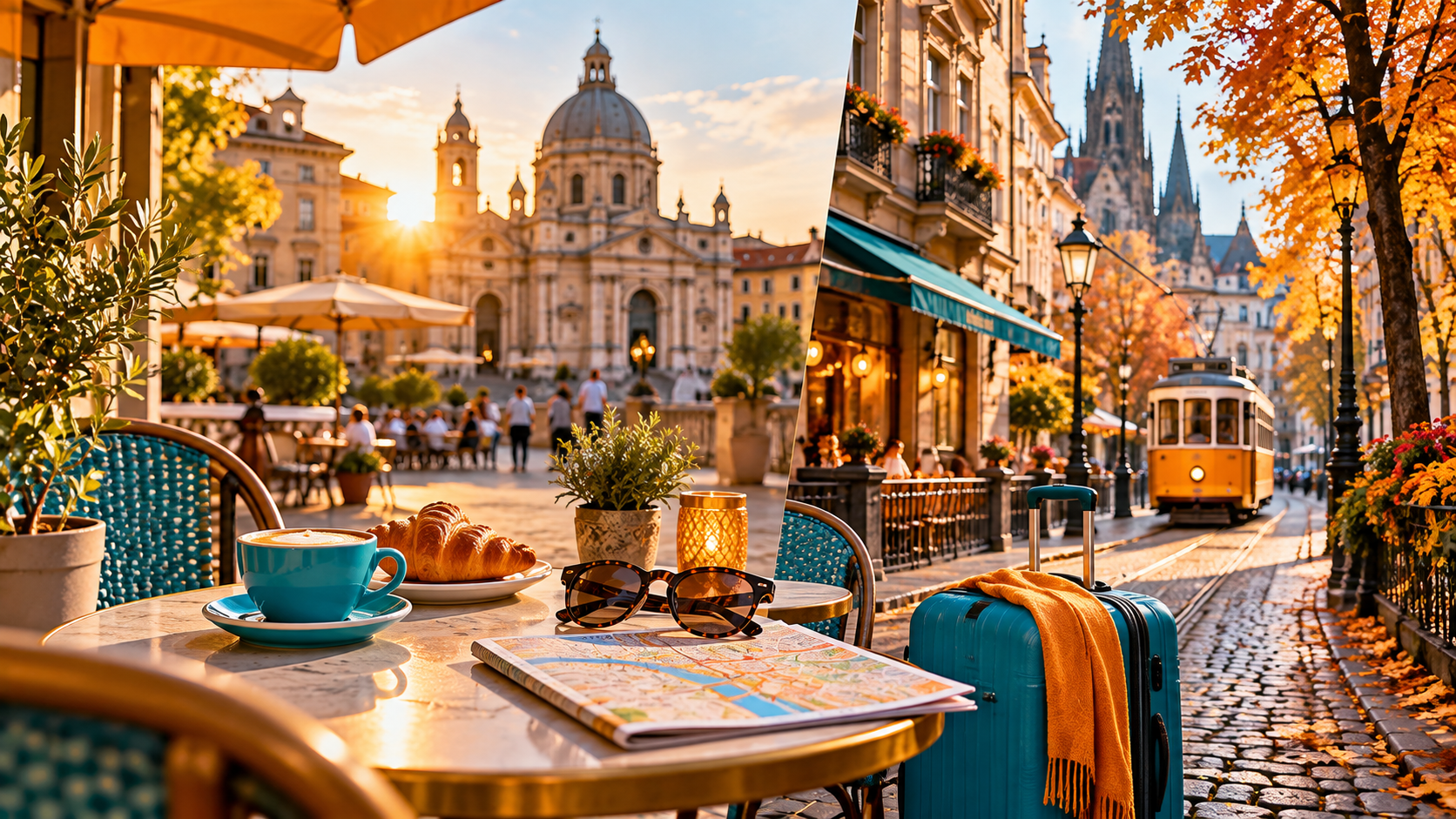
If you are promoting an autumn city break, show the kind of experience the client will have - café terraces, architecture, food, markets or seasonal streets. If you are selling winter sun, choose images that communicate warmth and relaxation rather than simply another aerial beach photograph.
Use your own photography where appropriate, authorised supplier or tourist-board assets, or properly licensed stock imagery. Do not assume that an image found through a web search is free to use commercially.
Also avoid using a photograph that materially misrepresents the product. If the hotel is not on that beach, do not design the page in a way that suggests it is.
Decide how you will handle prices
This is where travel brochures can become outdated quickly.
If you include live offers, make sure the pricing information is accurate and clear at the time the brochure is produced. Include the details needed to understand what the price actually represents, such as departure date, duration, departure airport, board basis and occupancy where relevant.
If the price is a "from" price, do not make it look like a fixed universal price.
For a brochure you want to use for several weeks, it may be better to make it more inspirational and invite the reader to ask you for current pricing.
For example:
"Thinking about a January winter-sun escape? Ask me for the current options from your preferred UK airport."
That gives the brochure a longer useful life and reduces the risk of an old PDF continuing to circulate with a price that no longer exists.
Whatever approach you take, check supplier terms and availability before presenting an offer as bookable.
Add a clear reason to contact you
A brochure should not end with a logo and phone number tucked into the corner.
Tell the reader what you want them to do.
Your final page might say:
- "Tell me which of these trips feels most like you and I will build the options around your dates."
- "Ready for winter sun? Send me your preferred airport, dates and budget."
- "Not sure which city suits you? I can narrow it down for you."
That is more inviting than simply writing "Book now".
You can include your email, telephone number, social channels and a QR code or link leading to an enquiry page where appropriate. Test every link and QR code before distributing the finished brochure.
Create once, then repurpose the brochure
A seasonal brochure should create more content, not more work.
Once the brochure is finished, individual pages can become:
- social-media carousels;
- email sections;
- Facebook posts;
- Instagram stories;
- WhatsApp follow-up material;
- event handouts;
- website downloads;
- or talking points for short videos.
This is why it helps to build the brochure around clear sections rather than designing one long, crowded document.
Keep the original images, captions and seasonal ideas organised in your travel marketing content bank so next year's version becomes an update rather than another blank page.
Use the brochure as a lead generator
A brochure does not always have to be sent after somebody enquires. It can create the enquiry.
You could promote:
"My Winter Escape Guide is ready - message me if you'd like a copy."
That gives somebody a low-pressure reason to start a conversation with you.
You can also use a more substantial brochure as a downloadable resource, provided it genuinely contains something worth exchanging contact details for. Our guide to creating a travel lead magnet people actually want explains how to avoid producing downloads that look impressive but attract no meaningful enquiries.
A practical Canva brochure workflow
For a travel homeworker, the process can be straightforward:
- Choose the campaign. Decide the season, audience and purpose.
- Choose the format. Tri-fold, booklet or multi-page digital PDF.
- Write the structure first. Decide the sections before opening Canva.
- Select a simple template. Choose one that suits the amount of content rather than the prettiest preview.
- Apply your branding. Use consistent colours, fonts and logo placement.
- Add authorised imagery. Use high-quality images that support the experience being sold.
- Rewrite supplier content in your own voice. Keep facts accurate while explaining why the product matters to your clients.
- Add accurate offer information. Check prices, dates and conditions if you are featuring specific deals.
- Create a clear final action. Tell the reader how to enquire and what information to send you.
- Proof it properly. Check spelling, links, QR codes, pricing, image rights and how the PDF looks on a phone.
- Export the right version. Use a suitable PDF for digital sharing or print output depending on how the brochure will be distributed.
- Reuse the content. Turn brochure sections into posts, emails and future campaigns.
Jamie Says
Jamie Says:
"The danger with Canva is that it makes it very easy to create something pretty before you have decided what you are actually trying to say. Build the campaign first, then design it. A brochure should look good, but its real job is to make somebody think, 'That's the sort of holiday I want - who do I speak to?'"
For members of the public reading this article
This article is mainly written for people considering travel homeworking or developing their marketing skills as independent travel consultants. If you found it while researching holidays rather than running a travel business, you are very welcome too.
You can use our public directory to find an independent travel agent who can help turn the inspiration in a brochure into a holiday that fits your own dates, budget and priorities.
Frequently asked questions
Can I make a travel brochure in Canva for free?
Canva offers free brochure templates and design tools, so it is possible to create a professional brochure without paying for a premium plan. Some templates, images and advanced features may require a paid Canva plan, so check the elements you use before finalising the design.
Should a travel brochure be printed or digital?
Either can work. Printed brochures are useful at events and in local settings, while digital PDFs are easy to email, share through messaging apps and reuse online. Choose the format based on where your audience is most likely to see it.
How many pages should a seasonal travel brochure have?
There is no fixed number. A concise six-to-eight-page digital brochure may be enough for a focused seasonal campaign, while a larger specialist brochure could need more. Include only sections that help the reader understand the opportunity and take the next step.
Should I include holiday prices in a Canva brochure?
You can, but prices and availability can change quickly. If you include live offers, make the travel dates, departure details, occupancy and other important pricing information clear. For a brochure intended to remain useful for longer, more inspirational content with an invitation to request current pricing may be more practical.
Can I use supplier photographs in my brochure?
Use supplier, tourist-board or other imagery only where you have permission or appropriate usage rights. Keep product descriptions and offer information accurate, and avoid using an image in a way that could mislead the client about the hotel, destination or experience being advertised.
Do travel homeworkers need design experience to use Canva?
No. Canva is built around templates and drag-and-drop design, so beginners can create useful marketing materials relatively quickly. The more important skill is understanding your audience, keeping the design consistent and making sure the brochure contains accurate, useful travel information.
Turn seasonal ideas into marketing people can keep
A good Canva brochure gives your seasonal campaign a longer life than a single social post. It can inspire, explain, start conversations and give clients something useful to return to when they are ready to plan.
For a travel homeworker, the real skill is not becoming a graphic designer. It is learning how to combine product knowledge, accurate information and clear marketing into something that reflects your own business.
You can fit a brochure like this into a wider monthly travel marketing plan so your design work supports a clear campaign rather than sitting unused in a Canva folder.
If you are considering building your own travel business, you can learn more about the training, marketing support, systems and supplier access available when you become an Independent Travel Consultant.
If you want to understand how the model works before deciding whether it is right for you, get in touch to arrange a discovery call and ask the questions that matter to you.
About Jamie Wake
Jamie Wake is the founder of The Independent Travel Consultants and Jamie Wake Travel, helping people build sustainable travel businesses with practical training, supportive systems and genuine guidance behind them.
Having built his own travel business following redundancy, Jamie understands the uncertainty, determination and learning involved in starting something new. He combines hands-on experience of running a UK travel company with knowledge of travel sales, customer service, marketing, supplier relationships, compliance and day-to-day business operations.
Through The Independent Travel Consultants, Jamie shares practical, honest guidance about becoming a travel homeworker, attracting and supporting customers and building a business that feels personal, professional and sustainable—not simply chasing bookings at any cost.