How to Make Booking Forms Client-Friendly
How to Make Booking Forms Client-Friendly
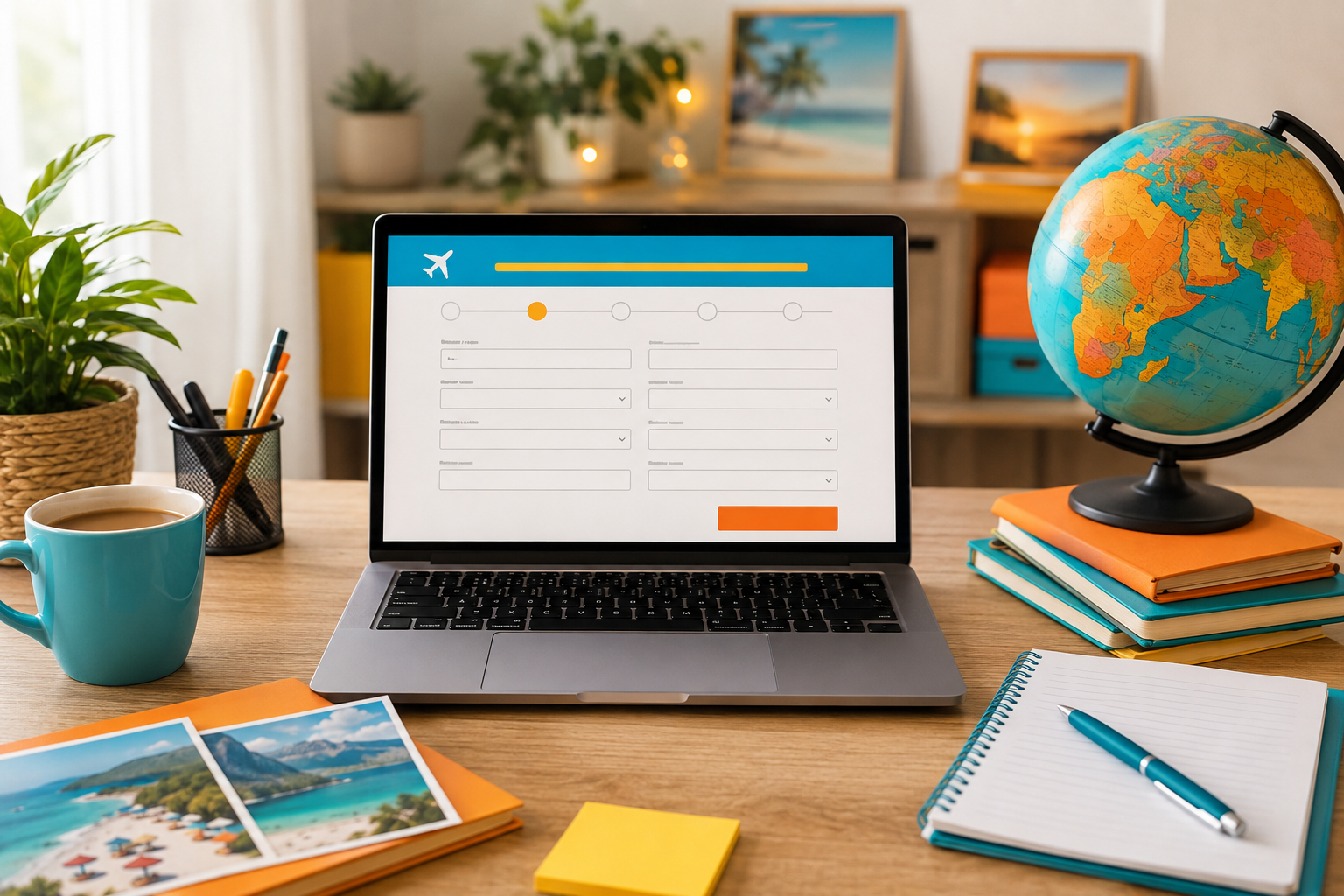
A booking form is one of those small parts of a travel business that can have a surprisingly big effect on how a client feels about you. If it is clear, calm and easy to complete, the client feels guided. If it is confusing, repetitive or full of unexplained questions, that confidence can disappear just when they are ready to book.
For a travel homeworker, the goal is not simply to collect information. It is to make the booking stage feel like a continuation of the personal service that won the client in the first place. These travel agent booking form tips focus on the client experience - how to ask for the right information at the right time, reduce avoidable mistakes and make the process feel professional without turning it into an interrogation.
If you are still deciding what information belongs on the document itself, start with our guide to what a professional travel booking form should include. This article takes the next step and looks at how to make that information easier for a real client to provide.
Why Client-Friendly Booking Forms Matter
Clients do not experience your CRM, supplier portals or behind-the-scenes checks. They experience your communication. The booking form is one of the few operational documents they interact with directly, so its tone and structure say a lot about the way you run your business.
A client-friendly form can help you gather cleaner information, reduce follow-up messages and make important checks easier to complete. It can also reassure a nervous first-time client that there is a proper process behind the friendly conversations they have had with their travel consultant.
This matters particularly in travel homeworking. You may not have a high-street shop or a desk the client can see, but you can still create a booking journey that feels organised, considered and human. That professional process is one of the ways an independent travel consultant can demonstrate value beyond simply finding a price.
Start by Deciding What the Form Is Actually For
One of the easiest ways to make a booking form too long is to ask it to do three jobs at once. An enquiry form, a booking authority and a post-booking information form are not necessarily the same thing.
At enquiry stage
You usually need enough information to understand the trip and decide what to research. That might include destination ideas, dates or flexibility, departure airport, who is travelling, children’s ages at the time of travel, broad budget, preferred holiday style and any obvious accessibility requirements that could affect the options you research.
This stage should feel light. A client who has only just asked for ideas should not feel as though they are applying for a mortgage before you have even spoken.
At booking stage
Once the client has chosen an option and wants you to proceed, accuracy becomes more important. This is where you may need the formal passenger information, confirmations and acknowledgements required by your own booking process. Your wider travel booking process from enquiry to payment should make it clear what is collected at each stage.
After booking
Some information is better collected or confirmed later. A separate client travel checklist can guide passport checks, documentation, insurance reminders, payment deadlines and pre-departure tasks without making the initial booking form carry the whole customer journey.
10 Travel Agent Booking Form Tips That Improve the Client Experience
1. Ask only what you need at that stage
Every extra field creates another decision for the client. Before adding a question, ask yourself whether you genuinely need the answer now, whether you will use it and whether it is already held securely elsewhere in your process.
This is especially important with personal or sensitive information. Collecting less unnecessary data makes the form feel easier and supports good data-handling habits. If you are new to this area, our plain-English guide to GDPR for travel homeworkers explains why clear purpose, secure systems and sensible data minimisation matter.
2. Put the easiest questions first
Start with details the client can answer without stopping to search for documents. Name, contact details, destination and travel dates are easier opening questions than passport numbers, expiry dates or long declarations.
That early momentum matters. Once someone has completed a few simple fields, the form feels more manageable. You can then move into the questions that require more attention.
3. Group questions in the order the client thinks
A form should feel like a conversation with a sensible flow. Group related questions together rather than jumping between passenger details, payments, special requests and legal wording.
A simple sequence might be: about you, about the travellers, about the trip, anything we should know, important checks, and what happens next. The exact headings can vary, but the client should always understand where they are in the process.
4. Use plain English instead of industry shorthand
Travel consultants use phrases every day that clients may not. Avoid abbreviations and technical wording unless you explain them. If you need a client to confirm something important, say what it means in normal language rather than expecting them to understand industry terminology.
The same principle applies to questions. "Any special requirements?" is vague. "Is there anything we should know to help make this trip suitable, such as mobility assistance, dietary requirements or room accessibility?" gives the client a clearer idea of what you are asking and why.
Good consultation habits make this easier. Our guide to building stronger travel consultation skills shows how thoughtful questions create trust before the form is ever sent.
5. Explain why sensitive questions are being asked
If a field asks for information that feels personal, a short explanation can remove uncertainty. For example, if you ask about mobility or assistance, tell the client that the information helps you check whether the proposed arrangements are suitable and whether assistance needs to be requested.
This is not about adding a paragraph under every field. One calm sentence is often enough. The aim is to show that you are asking for a reason, not because the form happened to include the question.
6. Design for a phone, not just your laptop
Many clients will open your form from a message or email on their phone. Test the full journey on a smaller screen before you send it to anyone. Check whether fields are easy to tap, instructions are readable, dropdowns are sensible and the client can move through the form without constantly zooming or scrolling sideways.
Keep answer formats forgiving where possible. A client should not have to guess whether you want a phone number with spaces, without spaces or in a specific pattern unless that format is genuinely necessary.
7. Use conditional questions to keep the form shorter
If your form tool supports conditional logic, use it carefully. A client who says they are not travelling with children does not need to see questions about children’s ages. Someone who does not require airport assistance does not need a page of follow-up assistance questions.
This is one area the strongest online form platforms handle well. The lesson for an independent travel agent is not that you need a particular software brand. It is that the client should only see questions that are relevant to their booking wherever your approved systems allow it.
8. Build in checks without making the client feel blamed
Travel details have to be accurate, but warning language can easily sound harsh. Instead of filling the form with capitals and threats about amendment fees, use calm prompts at the point where they matter.
For example, ask the client to check that passenger names match the required travel document before they submit the form. At the final review stage, show the details back clearly and give them a deliberate opportunity to confirm them. Accuracy is a shared process, not a trap.
9. Make required fields genuinely required
Do not make every question mandatory simply because the form builder allows it. When clients are forced to type "N/A" into fields that do not apply, the form feels poorly designed and the data becomes less useful.
Reserve mandatory status for information you truly need to progress that stage of the booking. Optional questions can still be valuable, but label them honestly.
10. Tell the client exactly what happens after they press submit
A good form should never end with a silent "Submit" button and no explanation. Tell the client whether you will review the details before booking, whether they should expect a confirmation message, whether payment is the next step and how quickly you will contact them if something needs checking.
That small piece of reassurance closes the loop. It also helps prevent the immediate "Did you get my form?" message that creates extra work for both sides.
A Simple Client-Friendly Booking Form Workflow
You do not need one enormous form. A more natural workflow can separate the information into smaller moments:
- Initial enquiry: collect the trip basics and enough detail to decide what needs researching.
- Consultation: explore preferences, priorities and deal-breakers in a human conversation.
- Quote or proposal: give the client a clear option to review before asking for full booking information.
- Booking authority: collect the formal details and confirmations needed to proceed through your approved process.
- Confirmation: send clear documentation and ask the client to check the important details promptly.
- Pre-travel follow-up: use checklists and reminders rather than trying to capture every future need in the booking form.
For a new travel homeworker, this structure makes the job easier too. You are not trying to remember every question in every conversation. Instead, each part of the client journey has a clear purpose.
Treat Privacy and Security as Part of the Client Experience
A form cannot be called client-friendly if the information behind it is handled casually. Travel can involve names, dates of birth, contact details, passport information, accessibility needs and other personal data. The client needs to feel that those details are being requested and stored responsibly.
Use the systems and processes approved by the business you operate under. Avoid creating extra copies of information across personal inboxes, notes and spreadsheets simply because it feels convenient. If you are unsure whether a field is necessary or how information should be handled, ask for compliance support before building your own workaround.
Security does not need to make the form sound frightening. A short, clear privacy explanation and a professional process usually create more confidence than a page of legal language the client is unlikely to read.
Make the Form Accessible to Different Clients
Client-friendly also means recognising that not everyone completes forms in the same way. Some clients may find small text difficult to read. Others may struggle with long pages, complex dropdowns, typing on a phone or understanding a question without an example.
Use clear labels, sensible contrast, readable text and straightforward instructions. Do not rely on colour alone to explain an error. If your platform provides accessibility settings, use them, and test the form with the keyboard as well as the mouse where practical.
Most importantly, have a human alternative. A client who cannot comfortably complete a digital form should not be made to feel like a problem. You may be able to go through the information with them on a call and then use your approved process for them to review and confirm the details. The exact method should follow your business procedures, but the principle is simple - the form should support the relationship, not replace it.
Common Booking Form Mistakes That Make Clients Work Too Hard
- Asking for the same information twice: if you already have a confirmed answer in the correct system, do not make the client keep retyping it without a reason.
- Using one giant page: long walls of fields feel heavier than well-grouped sections.
- Making every field compulsory: mandatory "N/A" answers are a sign the form needs refining.
- Writing for the consultant instead of the client: internal labels and supplier jargon belong behind the scenes.
- Hiding important explanations at the end: put guidance next to the field where it is needed.
- Skipping the mobile test: never assume a form that looks good on your computer will feel good on a phone.
- No submission confirmation: clients should know their information has arrived and what the next step is.
- No assisted option: a digital form should not become a barrier to receiving personal service.
Jamie Says:
"A booking form should feel like good customer service in document form. The client should understand what you are asking, why you are asking it and what happens next. If they finish the form feeling reassured rather than exhausted, you have probably got the balance right.
For new travel homeworkers, the temptation is to put absolutely everything into one document because you are worried about missing something. A better approach is to build a clear process around the client. Good systems protect the booking, but good communication is what makes the client trust the system."
How This Fits Into Travel Homeworking
Client service skills are not separate from booking skills. They are part of the same job. A strong independent travel consultant needs to know how to handle an enquiry, ask the right questions, follow a booking process, protect client information and communicate clearly when something needs checking.
At The Independent Travel Consultants, training for new homeworkers covers areas including booking systems and supplier platforms, enquiry handling, customer service and communication, booking processes, travel regulations and customer protection. Ongoing support is available as consultants put those processes into practice.
If you are researching homeworking companies, look beyond the promise of access to suppliers. Ask what happens when you have your first real client, your first complicated form, your first booking query or your first situation where you are unsure what should happen next. Our article on what practical travel homeworking support looks like explains why that backup matters.
You can also explore our supported independent travel consultant opportunity if you want to understand the training, tools and structure available to people building a travel business from home.
A Transparent Note for Members of the Public
This article is mainly written for people considering travel homeworking, becoming a travel homeworker or improving their skills as an independent travel consultant. However, members of the public are very welcome to use the same guidance to understand what a professional booking process should feel like.
If you are planning a holiday rather than building a travel business, you can use our public directory to find a travel consultant in the UK who can help with your plans and guide you through the booking process personally.
Frequently Asked Questions
How long should a travel agent booking form be?
There is no ideal number of questions. It should be long enough to collect what is genuinely needed for that stage and no longer. If the form feels heavy, consider whether some questions belong in the consultation, a later booking authority or a post-booking checklist instead.
What should a travel agent collect before giving a quote?
Usually the consultant needs the core trip brief - dates or flexibility, departure point, who is travelling, children’s ages where relevant, destination ideas, budget expectations, accommodation preferences and any requirements that could materially affect the options researched. The exact process will depend on the business and type of booking.
Should I ask for passport details on the first enquiry form?
Do not collect personal data earlier than your process requires it. At the first enquiry stage, full passport details may not be needed simply to understand what the client wants. Follow the approved booking and data-protection process for your business and only request information through an appropriate secure method.
Should a booking form work on a mobile phone?
Yes. A client may open the form directly from email, WhatsApp or a social message, so the mobile experience should be tested properly. Check field sizes, instructions, scrolling, date selectors, error messages and the final confirmation screen.
Can I help a client complete the form over the phone?
Sometimes a client will need or prefer assistance. The important point is that the final information and any required confirmations are handled through the approved process. Personal service should make the process more accessible, while still protecting accuracy and the booking record.
Is an enquiry form the same as a booking form?
Not necessarily. An enquiry form helps you understand what the client wants. A booking form or booking authority may collect the formal information and confirmations needed once they decide to proceed. Separating the stages can make both forms easier to complete.
Do I need to design all of this alone as a new travel homeworker?
You should not be expected to invent your entire booking process from scratch without guidance. A good homeworking model should provide training, approved systems, operating procedures and someone to ask when a live booking does not fit the textbook example.
Build a Client Experience You Can Be Proud Of
The best booking form is not the one with the most fields or the cleverest automation. It is the one that helps the right information move from client to consultant clearly, securely and with as little friction as possible.
If you are considering becoming a travel homeworker, this is exactly the kind of everyday skill that turns enthusiasm for travel into a professional business. You do not need to know everything before you start, but you do need a structure that teaches you how to serve real clients well.
If you would like to explore how The Independent Travel Consultants supports people from training through to live bookings, book a friendly discovery call with our team. We can talk through how the model works, what support is available and whether travel homeworking feels like the right next step for you.
About Jamie Wake
Jamie Wake is the founder of The Independent Travel Consultants and Jamie Wake Travel, helping people build sustainable travel businesses with practical training, supportive systems and genuine guidance behind them.
Having built his own travel business following redundancy, Jamie understands the uncertainty, determination and learning involved in starting something new. He combines hands-on experience of running a UK travel company with knowledge of travel sales, customer service, marketing, supplier relationships, compliance and day-to-day business operations.
Through The Independent Travel Consultants, Jamie shares practical, honest guidance about becoming a travel homeworker, attracting and supporting customers and building a business that feels personal, professional and sustainable—not simply chasing bookings at any cost.